$43.89
$76.81
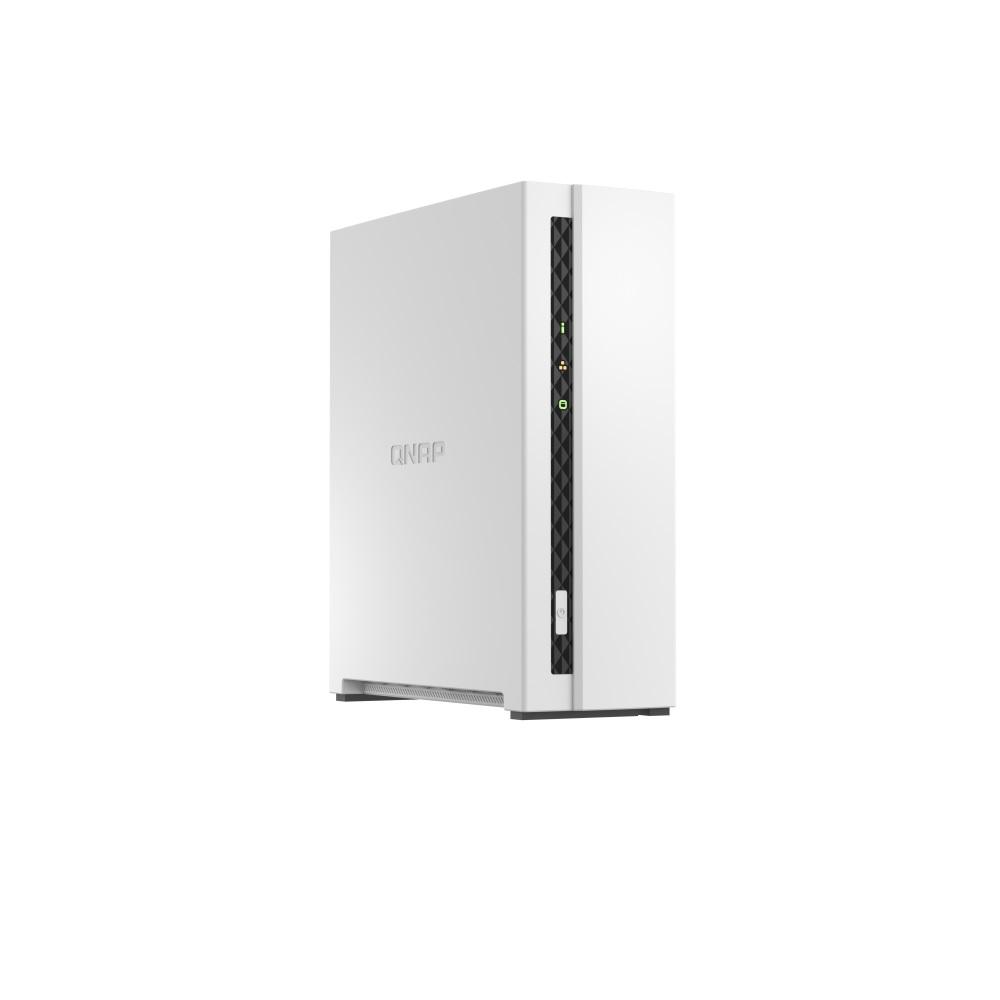
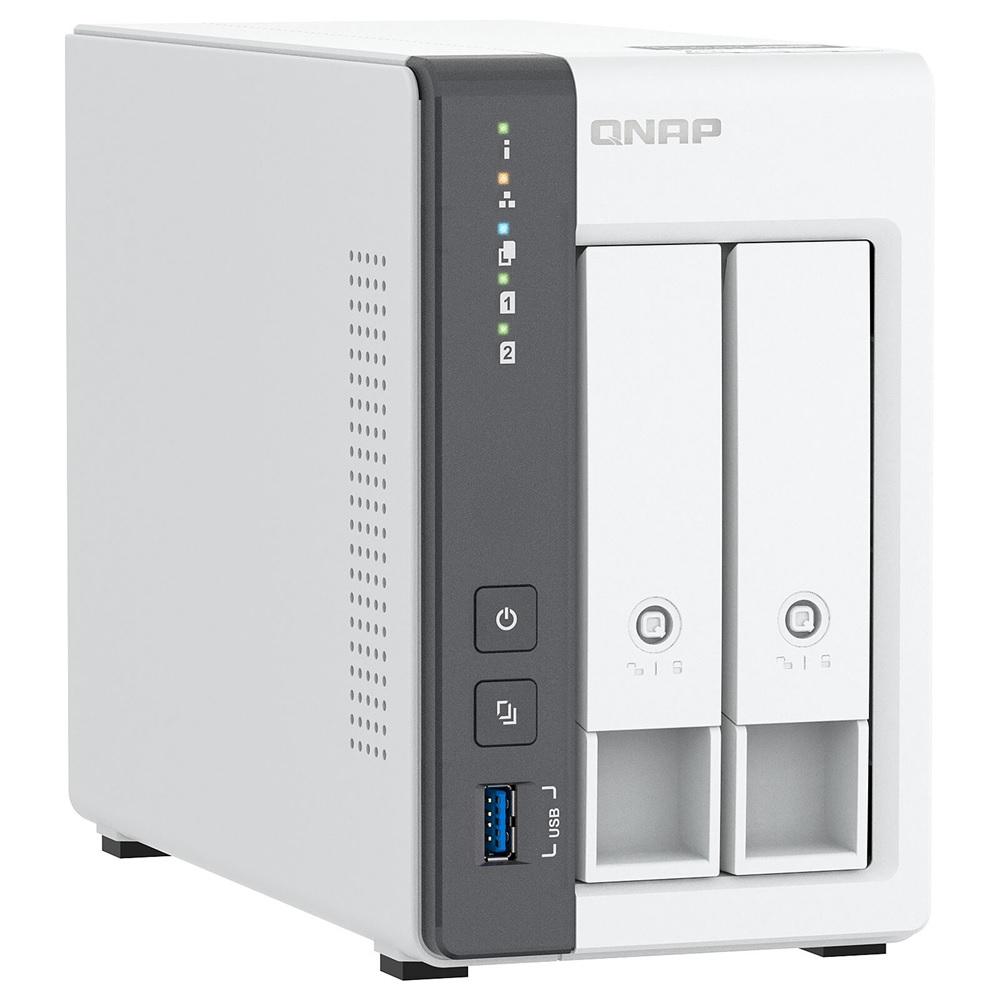
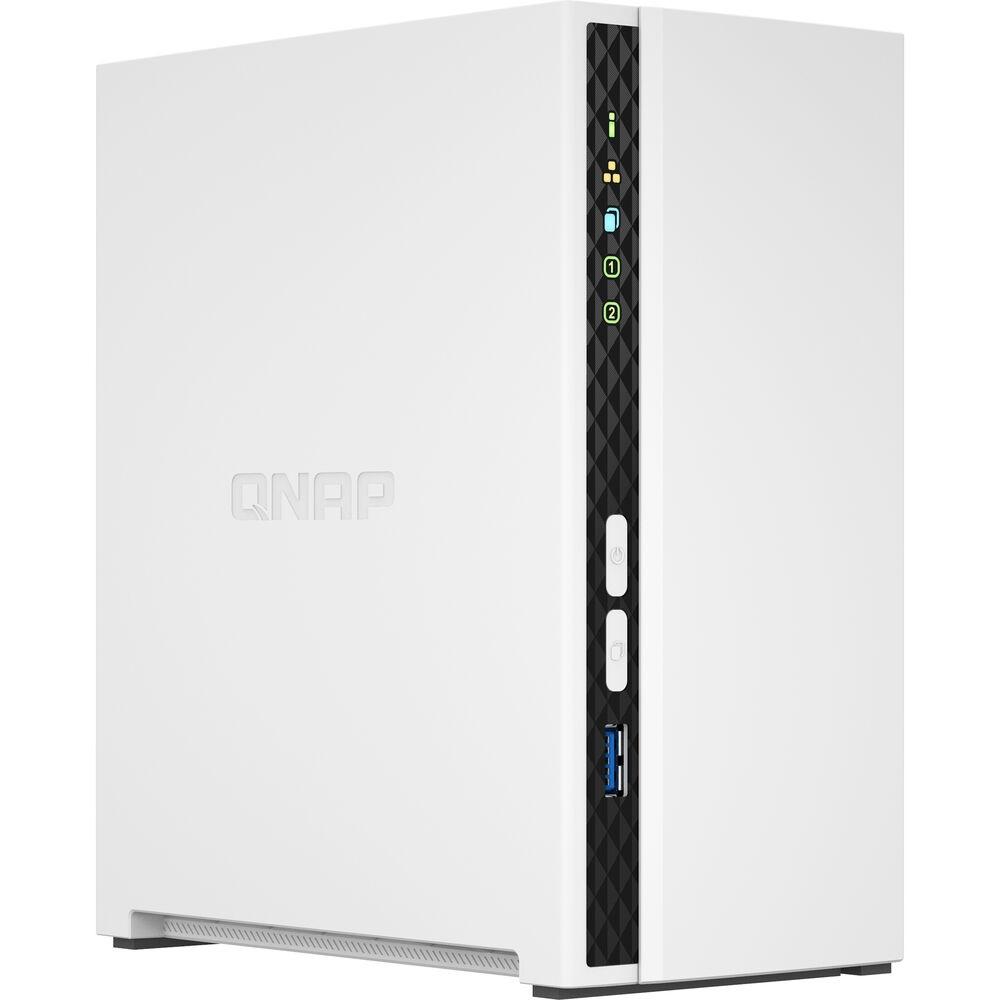
QNAP TS-133 Run your own personal cloud storage and enjoy easy file access, sharing, and syncing with the TS-133. Designed for beginners and home NAS users, the TS-133 not only simplifies data storage and collaboration but also features rich multimedia applications as a complete home entertainment portal. Centralized multimedia management Centrally store photos, music, and videos; easily browse, organize, and share multimedia files. AI-powered image recognition With a built-in NPU (Neural network Processing Unit) processor, the TS-133 boosts performance for high-speed face and object recognition. Home entertainment center Supports ARM NEON technology that accelerates video processing for a greater entertainment experience. Secure remote access myQNAPcloud allows you to easily access, manage, and share NAS files via the Internet. Snapshot protection against Ransomware Protect your files and data from accidental deletion and malware attacks by using advanced snapshot protection. Comprehensive security management Serves as a secure private cloud and supports user account protection, IP blocking, 2-step verification, encryption access, and more. Available Models TS-133 ARM 4-core Cortex-A55 1.8GHz processor, 2 GB on board (non-expandable) Minimalist design The compact and slim TS-133 prioritizes a clean and essential design, and perfectly blends into your home or office. Effective cooling fan for heat flow The TS-133 is small in size and remains high-performance, cool, and quiet with an effective cooling fan. 64-bit Cortex-A55 quad-core 1.8 GHz CPU NAS for everyday use and collaboration Powered by a ARM® Cortex-A55 quad-core 1.8 GHz processor, built-in 2 GB RAM, one Gigabit LAN port, and supports one SATA 6Gb/s hard drive, the TS-133 provides dependable read/write performance for running various home and business NAS applications. The TS-133 features AES-NI 256 hardware-accelerated encryption for both full NAS volumes and shared folders, boosting system performance while securing sensitive data. NPU accelerates on-device AI performance. 6x faster face recognition NPU (Neural-network Processing Unit), designed to speed up AI tasks, not only accelerates organization and classification in QuMagie smart album, but also reduces CPU workloads when fulfilling AI-driven requests. When uploading a large number of photos to the TS-133, you will enjoy high-speed AI performance of photo processing brought by NPU. Learn more about QuMagie smart photo management software > GPU, NPU, TPU: What are they? > Check out more QNAP NAS built in NPU > QTS 5, Fast, smooth, and easy-to-use! The TS-133 comes with the QTS 5 operating system as standard, providing a next-generation usage experience with an updated system kernel, optimized user interface, and advanced security features. Learn More: QTS 5 Brighter. Smoother. You’ll like it. When navigating QTS 5, you will notice a finer attention to detail for a superior browsing experience. Enjoy a smoother NAS experience, comfortable visual design, and find your favorite apps quicker. Get started with the notice board When performing first-time installation, the notice board guides you through the setup process. Simply follow the step-by-step instructions for a quick and easy setup. Smooth and reactive user interface Whether clicking buttons, switching between apps, expanding/collapsing windows – every action is much smoother. The search bar in the main menu also assists in quickly finding desired apps. An easy-to-use, all-in-one backup solution The TS-133 can do many things, but at its heart is a complete backup solution to protect your files and data. By regularly backing up your files and device content, you can make data loss a thing of the past. Back up Windows®/Mac® files For Windows®, install NetBak Replicator to back up your PC files to the TS-133. In macOS®, simply set up the built-in Time Machine® to back up files to NAS. Learn More: NetBak Replicator utility Back up photos on mobile devices Install Qfile or QuMagie mobile app and enable the “auto-upload” function. Photos will be automatically uploaded to your TS-133 as soon as they are taken. Learn More: QuMagie Mobile app, Qfile mobile app Back up Google Drive™ Hybrid Backup Sync can safely back up files and data from Google Drive™ to the TS-133, helping you save money on cloud storage costs. Back up NAS files to the cloud Hybrid Backup Sync supports QNAP-hosted myQNAPcloud Storage and numerous public cloud services, allowing you to effortlessly back up or sync NAS files to cloud storage. Learn More: Hybrid Backup Sync multi-cloud backup, QNAP-hosted myQNAPcloud Storage Back up NAS files to remote sites With Hybrid Backup Sync, you can easily backup or sync files and data from the TS-133 to a remote QNAP NAS or server for multiplied data protection. Learn More: Hybrid Backup Sync remote backup Protect your data from ransomware threats with Snapshots Snapshots are an advanced backup method and are normally reserved for high-end business NAS. QNAP provides snapshots as standard for all NAS – including the TS-133. Snapshots work by recording the current state of the system, allowing it to be restored back this state at any time – greatly helping in mitigating the threat of ransomware. Back up PCs to your NAS Always remember to back up! You should routinely (or automatically) back up files and data from your computer to your TS-133. The best storage for your high-resolution multimedia files High-resolution RAW files eat up phone storage so quickly. Whether you are a photographer enthusiastic, YouTuber, or professional photo/video editors, use the TS-133 with high-capacity hard drives to alleviate your storage anxiety and organize files efficiently as the best storage center. Storage for music collections Use Music Station to collect and play lossless music, sing along with lyrics, and share albums, playlists or folders with friends and family. You can also put tons of music right in your pocket using the Qmusic mobile app. Learn More: Music Station, Qmusic mobile app App Store high-resolution videos Centrally collect GoPro diaries, videos of your family, friends, and pets in Video Station, and easily share your favorites. Take all your videos with you on your mobile devices using the Qvideo mobile app. Learn More: Video Station, Qvideo mobile App Enhanced multimedia experience The TS-133 supports ARM NEON technology to accelerate video processing for a greater entertainment experience. Stream media files from the TS-133 to DLNA® devices and TVs using common media streaming devices including Roku®, Apple TV® (via Qmedia), Google Chromecast™, and Amazon Fire TV®. Playback quality may vary due to factors including playback software, file formats, system usage, and available bandwidth. H.265 hardware transcoding requires installing CAYIN MediaSign Player with Plus license. Tips for a more productive workday With a wide range of awesome apps, you can easily access files from various devices, instantly synchronize files with friends’ or colleague’s devices, quickly find specific files, and automatically organize your documents and media files. You can also map the TS-133’s shared folders as network drives on your computers, making accessing NAS files easy and intuitive. The TS-133 helps you save time while being more efficient and productive. File Station Easily manage files stored in your TS-133 using the web-based File Station. The Qfile companion mobile app also puts all your files at your fingertips, providing a complete personal cloud service that is accessible from anywhere! Learn More: File Station Qsync Qfiling Protect your data with higher security The TS-133 provides advanced privacy and security settings but is easy to set up and use. Besides IP blocking and HTTPS connectivity, there are more apps that help ensure an optimal level of NAS protection against threats like malware and hackers. Enable multi-factor authentication It is strongly recommended to enable secure login methods such as passwordless login and 2-Step Verification for adding an extra layer of data security. Learn More: QNAP Authenticator Advanced folder permissions Easily manage folder permissions, specifying read, read/write, and deny access of individual users to each folder and subfolder. QuFirewall protection Supports IPv6, firewall access lists, and GeoIP filtering to restrict access based on geographical locations for higher NAS network security. Learn More: QuFirewall Superior security with QVPN A virtual private network (VPN) allows secure access to network resources and services across public networks. QVPN supports creating a VPN client, using the TS-133 as a VPN server, and WireGuard® VPN service with an easy-to-use interface for setting up a secure connection. Learn More: QVPN Security Center A security portal for the TS-133 to proactively detect NAS status, unusual file activity and potential security threats – offering instant protective measures against vulnerabilities to safeguard your system and data. Learn More: Security Center Host container applications If you are curious about Docker or are a hobbyist developer, Container Station on the TS-133 integrates Docker® lightweight virtualization technology, allowing you to run all kinds of self-contained applications. You can download apps from the built-in Docker Hub®, including popular and fully-configured applications, and deploy them with just one click. From smart homes to multimedia applications, you can explore your creativity and bring containerized applications to life. Besides Container Station, more apps (including tools for backup/sync, content management, communications, download, and entertainment) are available from the App Center. Simply click and install on-demand to further extend the functionality of your TS-133. Learn More: Container Station, QTS App Center Flexible and economical storage expansion QNAP provides easy and affordable solutions to expand your NAS storage capacity. Attach QNAP expansion enclosures Connect expansion enclosures to the TS-133, and manage NAS storage expansion with the user-friendly Storage & Snapshots Manager app. Learn More Mount cloud storage or remote file servers Mount cloud storage or remote file servers to expand the capacity of the TS-133 while also centrally managing files on the NAS, cloud storage, and remote devices. Learn More Migrate to a new NAS Install your NAS hard drives into a larger QNAP NAS and retain all your existing data and configurations. Learn More Upgrade RAID capacity Hot-swap lower-capacity drives with larger-capacity drives to expand your NAS capacity so it can grow with your files and multimedia collections. Learn More More productivity-boosting applications The TS-133 provides an App Center that includes feature-rich apps to expand your NAS potential! QmailAgent The best email backup solution that allows you to easily backup/recover and manage multiple email accounts in their native format with strong security and data integrity. Learn More Qcontactz Centrally manage all your contacts, import contacts from Google™, import/export contact information using CSV or vCard files, and enjoy an always-online database of contact information. Learn More Qmiix An Integration Platform as a Service (iPaaS) solution that enables you to connect apps and devices with QNAP NAS for automating daily tasks for greater productivity. Learn More Notification Center Consolidates all system events, alerts, and notifications for smooth and easy NAS management, keeping you always informed of your NAS status. Learn More Categories: NAS ENCLOSURES, STORAGE-HARD DRIVES
Storage-Hard Drives